
Learning to code is one of the best investments you can make in yourself. In 2026, coding skills open doors to high-paying jobs, freelance opportunities, and the ability to build your own apps and websites. The best part? You do not need to spend a single dollar to get started. Here is your complete guide to learning coding for free in 2026.
Why Learn Coding in 2026?

The demand for programmers continues to grow rapidly in 2026. From web development and mobile apps to AI and data science, coding skills are required across almost every industry.
Even if you do not want to become a full-time developer, basic coding knowledge helps you automate tasks, build websites, analyze data, and understand how technology works — skills that are valuable in virtually any career.
Average salaries for coders in 2026:
- Web Developer: $70,000 - $120,000/year
- Mobile App Developer: $90,000 - $140,000/year
- Data Scientist: $100,000 - $160,000/year
- AI/ML Engineer: $120,000 - $200,000/year
Step 1 — Choose Your First Programming Language
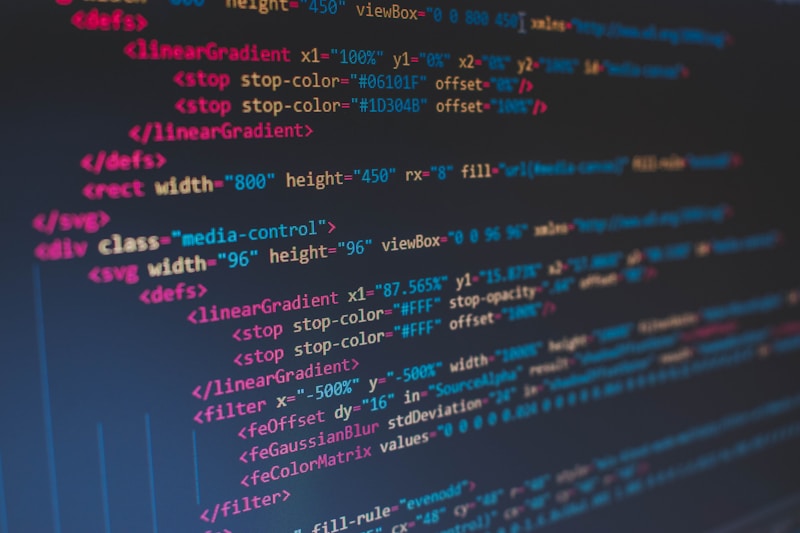
Choosing the right first language is crucial. Here are the best options for beginners in 2026:
Python — The most beginner-friendly language. Used for web development, data science, AI, and automation. This is the most recommended first language in 2026.
JavaScript — The language of the web. If you want to build websites or web apps, JavaScript is essential. It runs in every browser and is incredibly versatile.
HTML & CSS — Technically not programming languages, but essential for anyone interested in web development. They are the building blocks of every website.
Our recommendation for 2026: Start with Python if you are interested in AI, data, or automation. Start with HTML, CSS, and JavaScript if you want to build websites.
Step 2 — Best Free Platforms to Learn Coding

1. freeCodeCamp
freeCodeCamp is one of the most popular free coding platforms in the world. It offers hundreds of hours of structured coding courses covering web development, JavaScript, Python, data science, and more. You even earn certifications upon completion — completely free.
Best for: Web development, JavaScript, Python, data science.
2. The Odin Project
The Odin Project is a free, open-source curriculum for learning full-stack web development. It is project-based, meaning you learn by building real websites from day one. Many professional developers credit The Odin Project as the resource that got them their first job.
Best for: Full-stack web development, HTML, CSS, JavaScript, Ruby.
3. CS50 by Harvard (edX)
Harvard’s CS50 is widely considered the best introductory computer science course in the world — and it is completely free to audit. The course covers C, Python, SQL, JavaScript, and fundamental computer science concepts.
Best for: Complete beginners who want a strong foundation in computer science.
4. Codecademy (Free Tier)
Codecademy offers interactive coding lessons directly in your browser. The free tier covers Python, JavaScript, HTML, CSS, SQL, and more. The hands-on approach makes it perfect for absolute beginners.
Best for: Interactive learning, beginners, quick skill building.
5. YouTube
YouTube has become one of the best free coding resources available. Channels like Traversy Media, Programming with Mosh, Tech With Tim, and CS Dojo offer thousands of hours of high-quality coding tutorials completely free.
Best for: Visual learners, project-based tutorials, specific topics.
Step 3 — Practice Every Day

Consistency is the most important factor in learning to code. Even 30 minutes of practice every day will take you further than a 5-hour session once a week.
Free platforms to practice coding:
- LeetCode — Coding challenges and interview preparation
- HackerRank — Programming challenges across multiple languages
- Codewars — Fun coding challenges ranked by difficulty
- GitHub — Build and share your projects with the world
Set a daily goal — even something as small as solving one coding challenge per day builds momentum over time.
Step 4 — Build Real Projects

The fastest way to learn coding is to build real projects. Projects force you to apply what you have learned and solve real problems.
Beginner project ideas:
- A personal portfolio website
- A to-do list app
- A weather app using a free API
- A simple calculator
- A quiz game
As you progress, take on more complex projects like e-commerce sites, mobile apps, or data analysis tools. Upload everything to GitHub — it becomes your coding portfolio for future employers.
Step 5 — Join Coding Communities

Learning with others accelerates your progress dramatically. Coding communities offer support, feedback, and motivation when things get difficult.
Best free coding communities:
- Reddit — r/learnprogramming, r/webdev, r/Python
- Discord — freeCodeCamp, The Odin Project, Reactiflux
- Stack Overflow — Ask and answer programming questions
- Dev.to — Blog platform for developers
- GitHub Discussions — Connect with open source communities
Do not be afraid to ask questions. Every expert was once a beginner.
Step 6 — Use AI Tools to Learn Faster
In 2026, AI tools have completely transformed how people learn to code. Tools like Claude, ChatGPT, and GitHub Copilot can explain concepts, debug your code, suggest improvements, and answer questions instantly.
How to use AI for learning:
- Ask Claude or ChatGPT to explain confusing concepts in simple terms
- Paste your code and ask for feedback or bug fixes
- Request step-by-step explanations of how code works
- Ask for project ideas based on your current skill level
AI tools are like having a personal tutor available 24 hours a day, 7 days a week — completely free.
How Long Does It Take to Learn Coding?
The honest answer depends on your goals and how much time you dedicate. Here is a realistic timeline:
Basic web pages (HTML/CSS): 2-4 weeks Beginner JavaScript: 2-3 months Job-ready web developer: 6-12 months Full-stack developer: 12-18 months
These timelines assume consistent daily practice of at least 1-2 hours.
Final Thoughts

Learning to code for free in 2026 has never been more achievable. With platforms like freeCodeCamp, CS50, and The Odin Project, combined with AI learning tools and a supportive community, you have everything you need to become a programmer without spending any money.
Start today with just 30 minutes. Pick one language, choose one platform, and write your first line of code. The journey of a thousand miles begins with a single step.
Which programming language are you planning to learn first? Let us know in the comments!