
Being a content creator in 2026 does not require an expensive studio or a massive budget. With the right free tools, you can produce professional-quality content that competes with creators who spend thousands on software and equipment. Here are the best free tools every content creator needs in 2026.
1. Canva — Graphic Design for Everyone
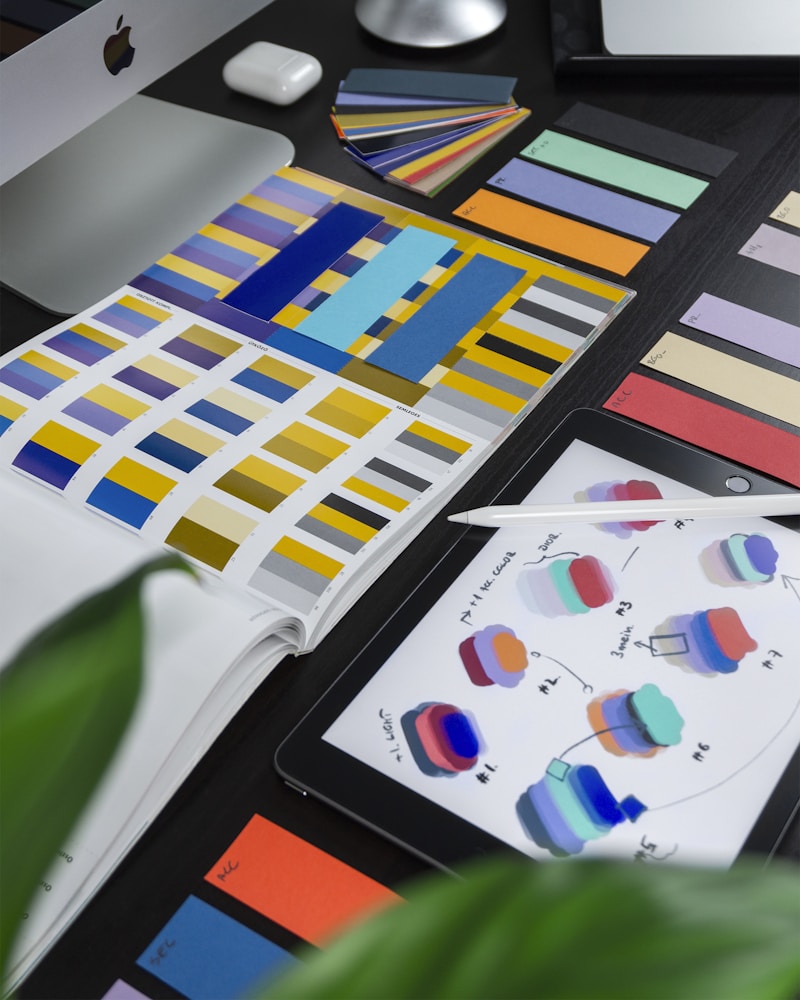
Canva is the most essential free tool in any content creator’s toolkit. It allows you to create stunning graphics, thumbnails, social media posts, presentations, posters, and more — all with a drag-and-drop interface that requires zero design experience.
What you can create with Canva:
- YouTube thumbnails
- Instagram and TikTok posts
- Facebook cover photos
- Blog graphics and infographics
- Presentation slides
- Logo designs
- Video content with animations
The free plan includes thousands of templates, millions of stock photos, and hundreds of fonts. For most creators, the free tier is more than enough.
Platform: Web, Android, iOS
2. CapCut — Professional Video Editing for Free
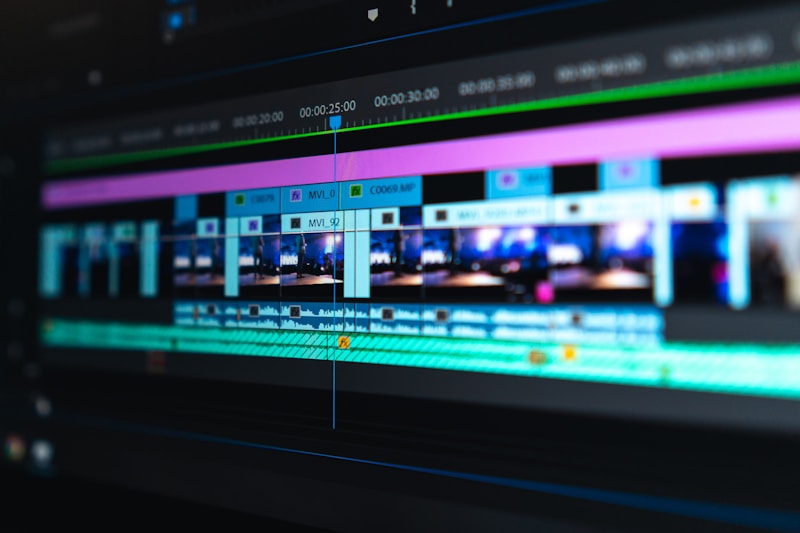
CapCut has become the go-to free video editing app for content creators worldwide. Originally known as a TikTok editing tool, CapCut in 2026 is a full-featured video editor available on mobile, desktop, and web.
Key features:
- Auto captions and subtitles in multiple languages
- AI background removal
- Trending effects and transitions
- Speed ramping and keyframe animation
- Green screen effects
- Text-to-speech
- Music library with royalty-free tracks
CapCut is completely free with no watermark on exported videos, making it one of the best value tools available to any creator.
Platform: Android, iOS, Windows, Mac, Web
3. OBS Studio — Free Screen Recording and Live Streaming
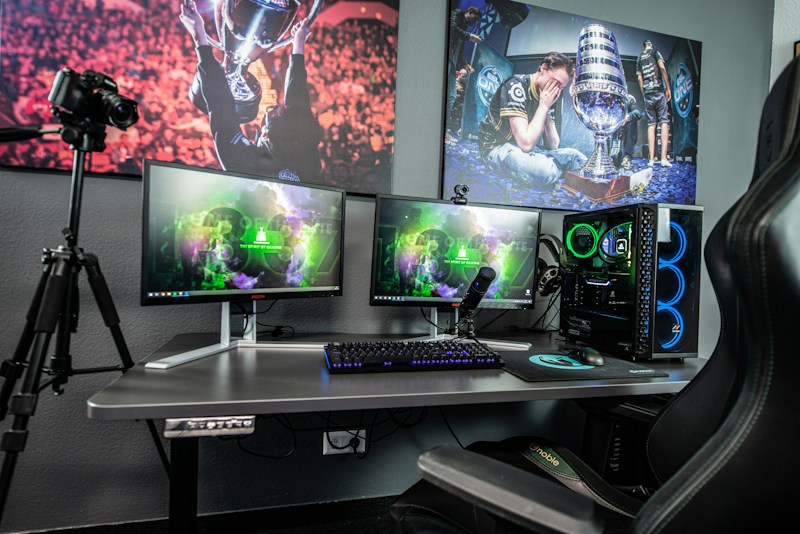
OBS Studio is the industry standard for free screen recording and live streaming. Whether you are creating tutorials, gaming content, webinars, or live streams on YouTube, Twitch, or Facebook, OBS handles it all with professional quality.
Key features:
- Unlimited scenes and sources
- Real-time video and audio mixing
- Live streaming to any platform simultaneously
- High-quality screen and webcam recording
- Completely free and open source
Many professional streamers and YouTubers use OBS Studio exclusively, proving that free does not mean inferior.
Platform: Windows, Mac, Linux
4. DaVinci Resolve — Hollywood-Level Video Editing for Free

DaVinci Resolve is used by Hollywood professionals to edit blockbuster films and television shows — and its free version is extraordinarily powerful. For content creators who need more than CapCut, DaVinci Resolve offers professional-grade color grading, audio mastering, and visual effects completely free.
Key features:
- Professional color grading tools
- Fairlight audio editing suite
- Fusion visual effects and motion graphics
- Multi-camera editing
- Collaboration tools for teams
- No watermarks on exported videos
The free version of DaVinci Resolve has more features than most paid video editors on the market.
Platform: Windows, Mac, Linux
5. Audacity — Free Audio Editing
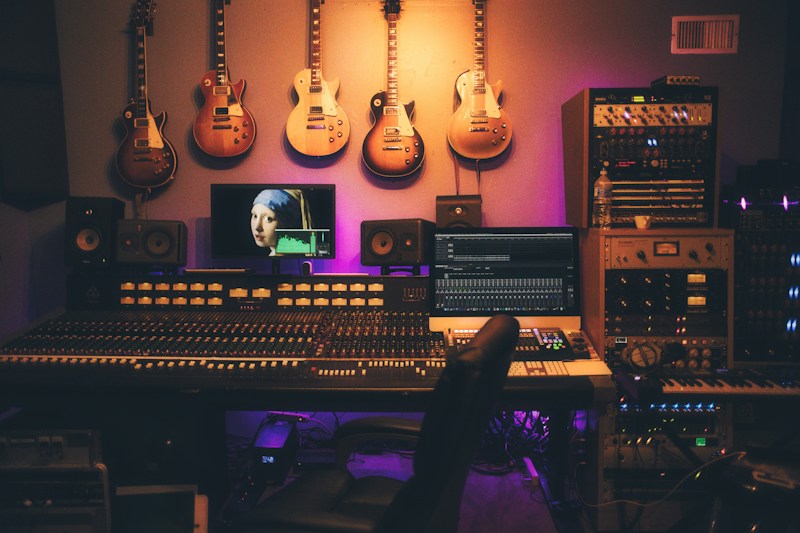
Audio quality is more important than video quality for audience retention. Audacity is a free, open-source audio editor that allows you to record, edit, and clean up audio with professional results.
Key features:
- Noise reduction to remove background hum
- Equalization and compression
- Multi-track audio editing
- Supports all major audio formats
- Completely free and open source
Podcasters, YouTubers, and voiceover artists rely on Audacity to produce clean, professional-sounding audio without spending a cent.
Platform: Windows, Mac, Linux
6. Google Trends — Find What People Are Searching For

Google Trends is a completely free tool that shows you what topics people are searching for right now. For content creators, this is invaluable for finding trending topics before they peak — allowing you to create content that rides the wave of public interest.
How content creators use Google Trends:
- Find trending topics in your niche
- Compare the popularity of different content ideas
- Discover seasonal trends to plan content in advance
- Find related topics and rising search queries
- Understand geographic interest in specific topics
Platform: Web (free, no account required)
7. Unsplash and Pexels — Free Stock Photos and Videos
High-quality visuals are essential for content creators, but stock photos can be expensive. Unsplash and Pexels both offer millions of completely free, high-resolution photos and videos that you can use in your content without attribution.
Unsplash — Over 3 million free high-resolution photos from professional photographers worldwide. Perfect for blog images, YouTube thumbnails, and social media posts.
Pexels — Offers both free photos and free stock videos. The video library is particularly valuable for B-roll footage in YouTube videos and social media content.
Both platforms are completely free to use for commercial purposes with no attribution required.
Platform: Web, Android, iOS
8. Notion — Content Planning and Organization

Staying organized is one of the biggest challenges for content creators juggling multiple platforms and projects. Notion is a free all-in-one workspace that combines notes, databases, calendars, and task management into one powerful tool.
How content creators use Notion:
- Content calendar to plan videos and posts
- Script and blog post writing
- Brand partnership tracking
- Idea database for future content
- Analytics tracking dashboard
- Team collaboration for larger channels
The free plan is generous enough for individual creators, making Notion one of the most valuable free productivity tools available.
Platform: Web, Android, iOS, Windows, Mac
9. TubeBuddy — Free YouTube Optimization
TubeBuddy is a browser extension that integrates directly into YouTube Studio and helps you optimize your videos for search. The free tier provides keyword research tools, tag suggestions, and competitor analysis that can significantly improve your video rankings.
Key free features:
- Keyword Explorer for finding search terms
- Tag suggestions based on your video topic
- Best time to publish recommendations
- Competitor channel analysis
- A/B thumbnail testing (limited)
For YouTube creators, TubeBuddy is essential for growing your channel through search optimization.
Platform: Chrome, Firefox, Edge extension
10. Claude and ChatGPT — AI Writing Assistants

AI writing assistants have become indispensable tools for content creators in 2026. Both Claude (by Anthropic) and ChatGPT (by OpenAI) offer powerful free tiers that help creators write faster and better.
How content creators use AI assistants:
- Generate video script outlines
- Write blog post drafts and article ideas
- Create social media captions and hashtags
- Brainstorm content ideas by the dozen
- Write email newsletters and descriptions
- Translate content for international audiences
- Repurpose long-form content into short social posts
The free tiers of both Claude and ChatGPT are powerful enough for most content creation needs.
Platform: Web, Android, iOS
11. Buffer — Free Social Media Scheduling
Posting consistently across multiple social media platforms is time-consuming. Buffer’s free plan allows you to schedule up to 10 posts per channel across three social media platforms, saving hours every week.
Key features:
- Schedule posts in advance
- Best time to post recommendations
- Basic analytics on post performance
- Instagram, Facebook, Twitter, LinkedIn, and Pinterest support
- Browser extension for quick scheduling
For creators managing multiple platforms, Buffer eliminates the need to log into each platform separately every day.
Platform: Web, Android, iOS
12. Google Analytics — Understand Your Audience

Understanding your audience is essential for growing as a content creator. Google Analytics is a completely free tool that shows you exactly who is visiting your website or blog, where they come from, what content they love most, and how long they stay.
Key insights Google Analytics provides:
- Number of visitors and page views
- Geographic location of your audience
- Traffic sources — search, social, direct, referral
- Most popular content on your site
- Bounce rate and time on page
- Device and browser information
For bloggers and YouTubers with websites, Google Analytics is non-negotiable.
Platform: Web (free, requires Google account)
Build Your Free Creator Toolkit Today
The tools above represent everything you need to create professional content, grow your audience, and build a successful creator business — all without spending a single dollar.
Here is a quick summary of the essential free toolkit:
- Design: Canva
- Video Editing: CapCut, DaVinci Resolve
- Screen Recording: OBS Studio
- Audio Editing: Audacity
- Research: Google Trends
- Stock Media: Unsplash, Pexels
- Organization: Notion
- YouTube SEO: TubeBuddy
- AI Writing: Claude, ChatGPT
- Social Scheduling: Buffer
- Analytics: Google Analytics
Start with the tools most relevant to your platform and content type, then gradually add others as your workflow grows. The creators who succeed in 2026 are not necessarily those with the biggest budgets — they are the ones who use the right tools consistently and strategically.
Which of these free tools are you already using? Share your favorites in the comments below!