
Artificial Intelligence is changing the way we work. In 2025, there are many free AI tools that can help you write faster, design better, and manage your time more efficiently. Here are the best free AI tools for productivity you should start using today.
1. ChatGPT — AI Writing Assistant

ChatGPT is one of the most powerful AI tools available today. It can help you write emails, generate blog posts, answer questions, and even assist with coding. Whether you are a student or a professional, this tool can save you hours of work.
Key features:
- Generates high-quality text instantly
- Helps with research and ideas
- Supports coding and problem solving
- Easy to use interface
Best for: Writing, research, and learning.
2. Grammarly — Smart Writing Assistant
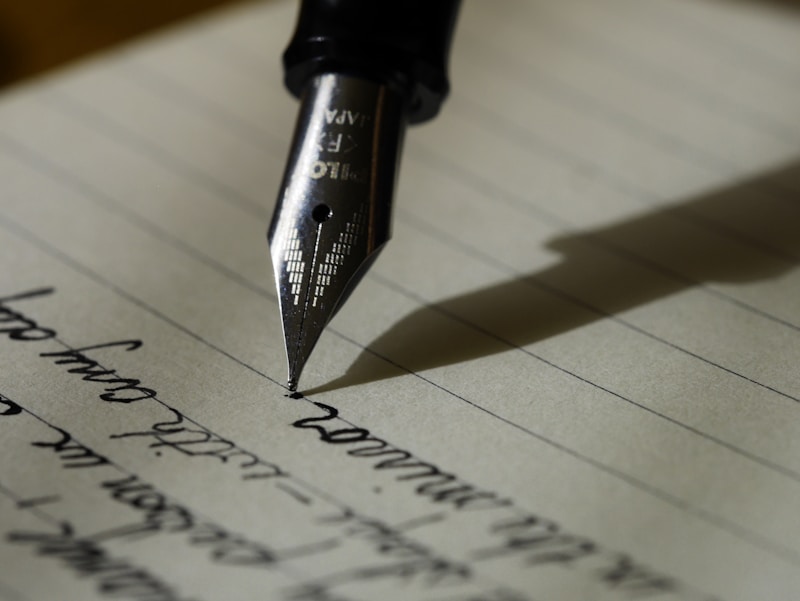
Grammarly uses AI to improve your writing by correcting grammar, spelling, and tone. It works in your browser, email, and even messaging apps, making it one of the most useful productivity tools.
Key features:
- Real-time grammar correction
- Tone and clarity suggestions
- Works across multiple platforms
- Free browser extension
Best for: Writing emails, documents, and content.
3. Notion AI — Smart Workspace

Notion AI takes productivity to the next level by combining notes, tasks, and AI assistance in one place. It can summarize content, generate ideas, and help you organize your work more efficiently.
Key features:
- AI-powered writing and summaries
- Task and project management
- Customizable workspace
- Collaboration tools
Best for: Organizing work, notes, and projects.
4. Canva AI — Design Made Easy

Canva now includes powerful AI features that allow you to create stunning designs in seconds. From social media posts to presentations, AI helps automate design tasks and improve creativity.
Key features:
- AI image and text generation
- Ready-made templates
- Drag-and-drop editor
- Background remover
Best for: Graphic design and social media content.
5. Otter.ai — AI Meeting Notes

Otter.ai automatically records and transcribes your meetings in real time. It is perfect for students, professionals, and teams who want to save time on note-taking.
Key features:
- Real-time transcription
- Speaker identification
- Searchable notes
- Cloud sync
Best for: Meetings, lectures, and interviews.
6. Trello with AI — Task Management

Trello now integrates AI features to help you manage tasks more efficiently. It can suggest task priorities, automate workflows, and keep your projects organized.
Key features:
- Visual task boards
- AI suggestions and automation
- Easy collaboration
- Cross-platform access
Best for: Team projects and task organization.
Final Thoughts
AI tools are no longer optional — they are essential for productivity in 2025. These free tools can help you work faster, reduce stress, and achieve more in less time.
Start by trying one or two tools from this list and see how they improve your workflow. The future of productivity is smart, fast, and powered by AI.
Which AI tool do you use the most? Let us know in the comments below!